
Documentation
Combine Vector
VFX Loom 1.0 reference for the Combine Vector node.
Vector
processing.combineVector 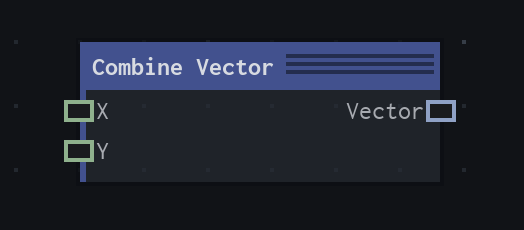
Overview
Combines X and Y scalar channels into a Vector2.
Lossless value conversion; disconnected components default to 0; no image allocation.
- Category
- Vector
- Internal ID
processing.combineVector- Version
- VFX Loom 1.0
Inputs
| Input | Type | Required | Default | Meaning |
|---|---|---|---|---|
| x | Scalar | Required | 0 | See the overview for the node's documented behavior. |
| y | Scalar | Required | 0 | See the overview for the node's documented behavior. |
Outputs
| Output | Type | Meaning |
|---|---|---|
| vector | Vector2 | The production node output described by the overview. |
Usage
In practice
- Use Combine Vector when the graph needs Combines X and Y scalar channels into a Vector2.
- Lossless value conversion; disconnected components default to 0; no image allocation.
- Use it to build, split, measure, or transform Vector2 data before connecting the appropriate output to a graph input.