
Documentation
Coordinate
VFX Loom 1.0 reference for the Coordinate node.
Input / Sources
generator.coordinate 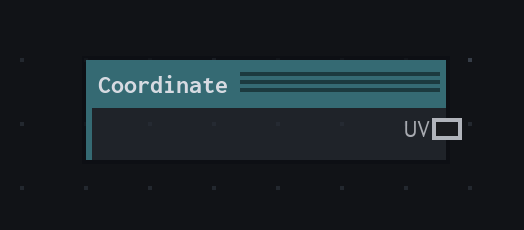
Overview
Provides procedural coordinate spaces.
Field source; no image allocation.
- Category
- Input / Sources
- Internal ID
generator.coordinate- Version
- VFX Loom 1.0
Outputs
| Output | Type | Meaning |
|---|---|---|
| uv | Field | Normalised tile coordinates. |
Usage
In practice
- Use Coordinate when the graph needs Provides procedural coordinate spaces.
- Field source; no image allocation.
- Use it as a stable control or coordinate source, then connect its value to the node that consumes it.
Examples
These examples show Coordinate in supplied VFX Loom graph setups. Each graph link opens the corresponding node reference; the explanation below the media is specific to this node's role in that setup.
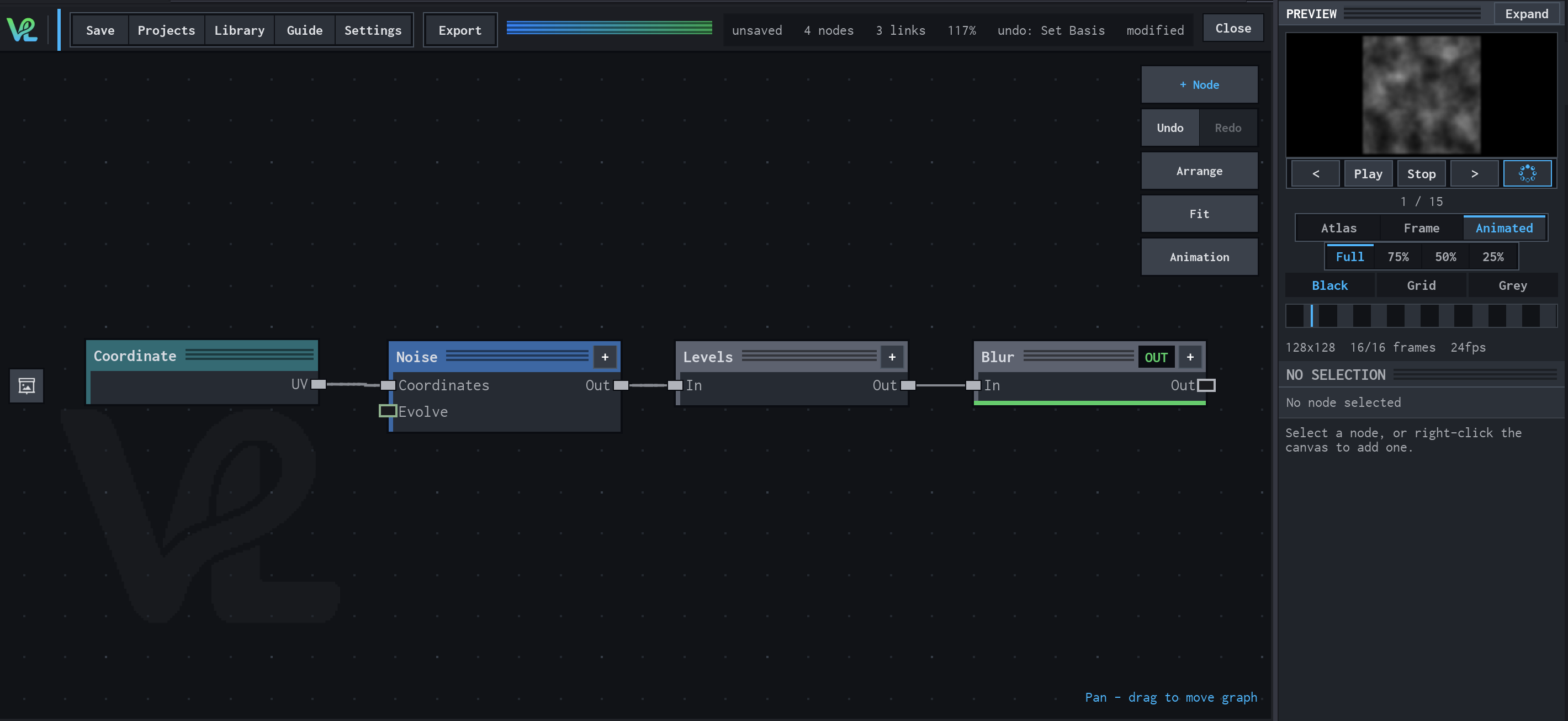
Noise → Levels → Blur
A compact grayscale texture chain: coordinates drive tileable noise, Levels tightens its tonal range, and Blur softens the result for a controllable field.
How Coordinate contributes
Coordinate supplies the procedural field that Noise samples instead of relying on its default UV field. In this graph it makes the sampling relationship explicit.