
Documentation
RGB Curves
VFX Loom 1.0 reference for the RGB Curves node.
Color
processing.rgbCurves 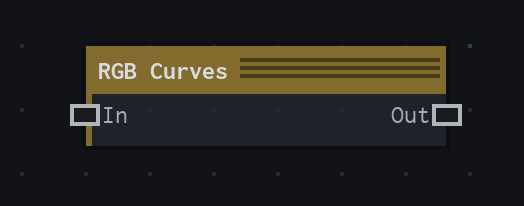
Overview
Applies editable master, red, green, and blue curves to an image.
Applies the master curve before independent red, green, and blue curves; alpha is preserved.
- Category
- Color
- Internal ID
processing.rgbCurves- Version
- VFX Loom 1.0
Inputs
| Input | Type | Required | Default | Meaning |
|---|---|---|---|---|
| in | Image | Required | — | See the overview for the node's documented behavior. |
Properties
| Property | Type | Default | Animatable | Range / options | Effect |
|---|---|---|---|---|---|
| RGB | Curve | Curve.linear(0,1) | Not declared | — | Curves group |
| Red | Curve | Curve.linear(0,1) | Not declared | — | Curves group |
| Green | Curve | Curve.linear(0,1) | Not declared | — | Curves group |
| Blue | Curve | Curve.linear(0,1) | Not declared | — | Curves group |
Outputs
| Output | Type | Meaning |
|---|---|---|
| out | Image | The production node output described by the overview. |
Usage
In practice
- Use RGB Curves when the graph needs Applies editable master, red, green, and blue curves to an image.
- Applies the master curve before independent red, green, and blue curves; alpha is preserved.
- Use it after a source or scalar field, then send the adjusted image or colour value to a downstream composite or material stage.