
Documentation
Float Value
VFX Loom 1.0 reference for the Float Value node.
Input / Sources
generator.floatValue 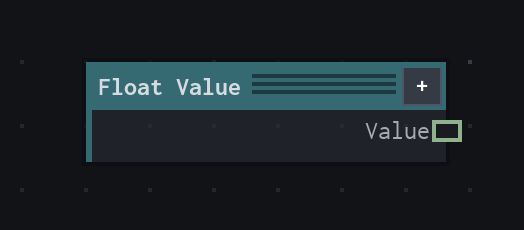
Overview
Outputs a deterministic scalar constant.
Fixed scalar that is not normalized and does not depend on time or resolution.
- Category
- Input / Sources
- Internal ID
generator.floatValue- Version
- VFX Loom 1.0
Properties
| Property | Type | Default | Animatable | Range / options | Effect |
|---|---|---|---|---|---|
| Value | Scalar | .5 | Yes | UI range: soft · Step .01 | Animatable control; changing it over time varies the node response. |
Outputs
| Output | Type | Meaning |
|---|---|---|
| value | Scalar | authored scalar value |
Usage
In practice
- Use Float Value when the graph needs Outputs a deterministic scalar constant.
- Fixed scalar that is not normalized and does not depend on time or resolution.
- Use it as a stable control or coordinate source, then connect its value to the node that consumes it.
Examples
These examples show Float Value in supplied VFX Loom graph setups. Each graph link opens the corresponding node reference; the explanation below the media is specific to this node's role in that setup.
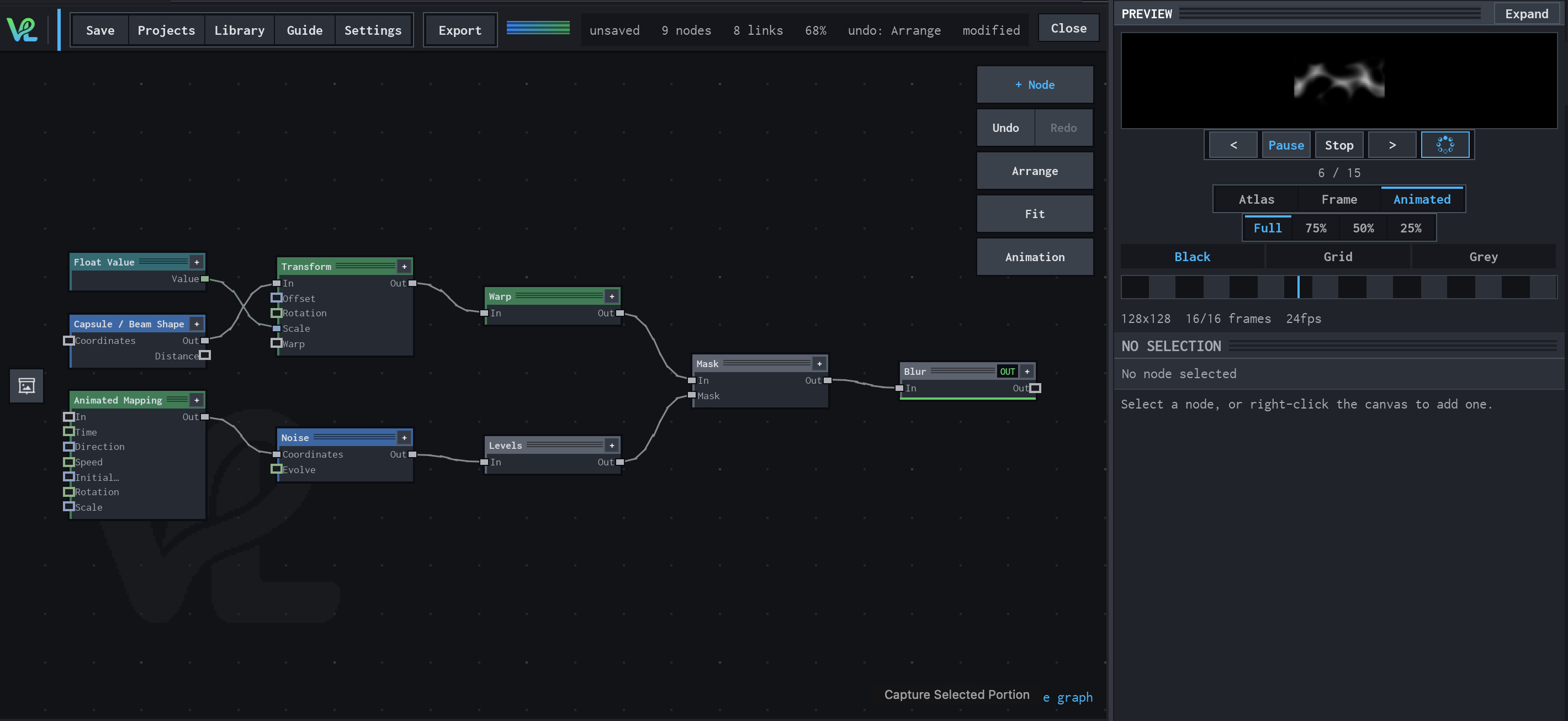
Animated Mapping → Noise → Levels → Mask → Blur
An animated procedural field meets a transformed capsule branch at Mask: Float Value controls Transform scale, while Animated Mapping drives Noise and Levels before the final Blur.
How Float Value contributes
Float Value is the scalar control branch. It feeds Transform's scale input so the capsule size can be driven without changing the Shape source.