
Roblox Studio plugin
VFX Loom
Procedural VFX creation inside Roblox Studio.
Build textures, flipbooks and animated effects with a node-based editor, without leaving Studio.
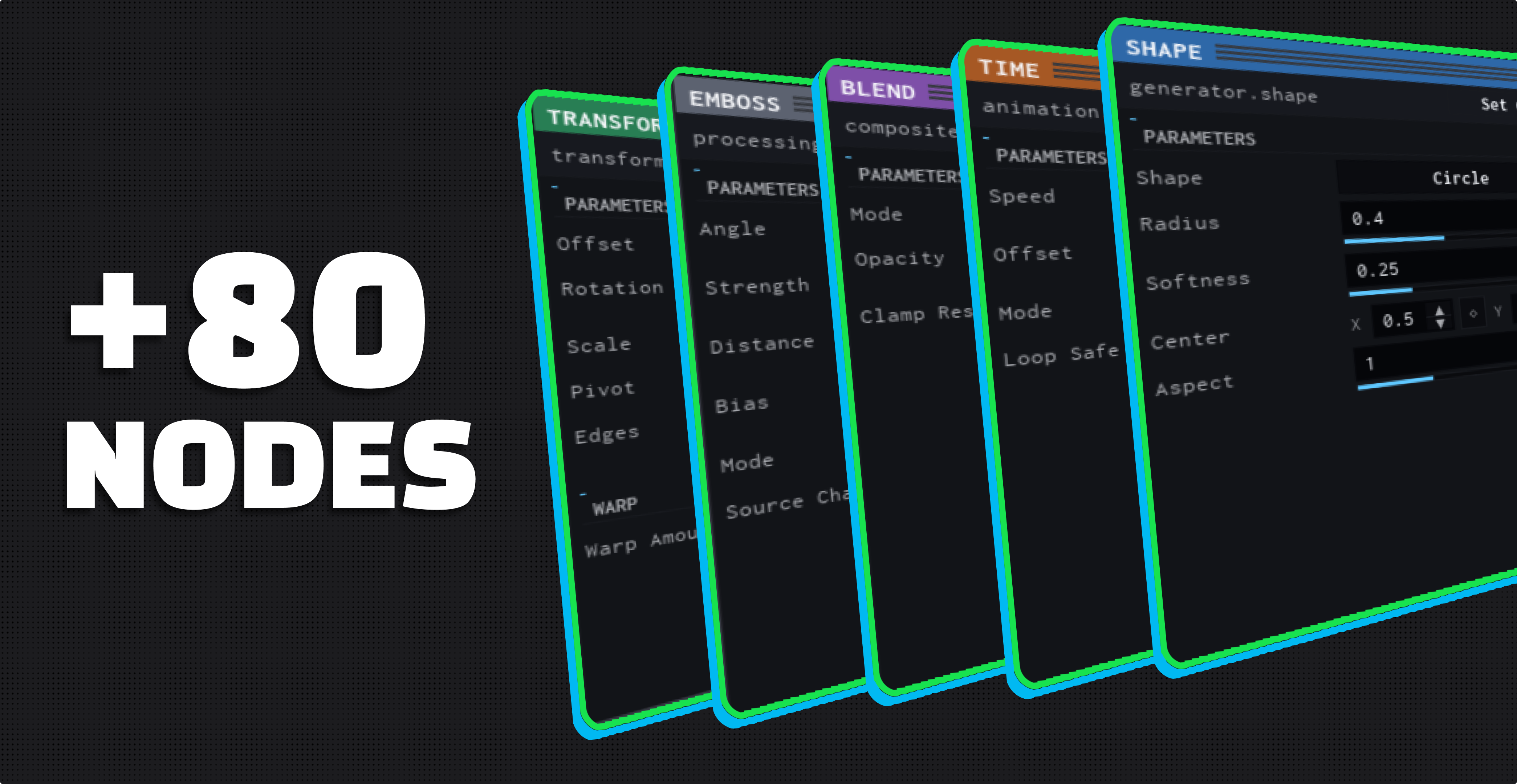
VFX LOOM / NODE EDITOR +80 NODES
$20 Lifetime License
One-time purchase · Lifetime access · Roblox Studio plugin
-
Node-Based Workflow
Build procedural effects visually.
-
Live Preview
See changes while you work.
-
Animate & Export
Turn graphs into animated flipbooks and Roblox effects.
-
Inside Roblox Studio
No external VFX pipeline required.
Build it, then animate it
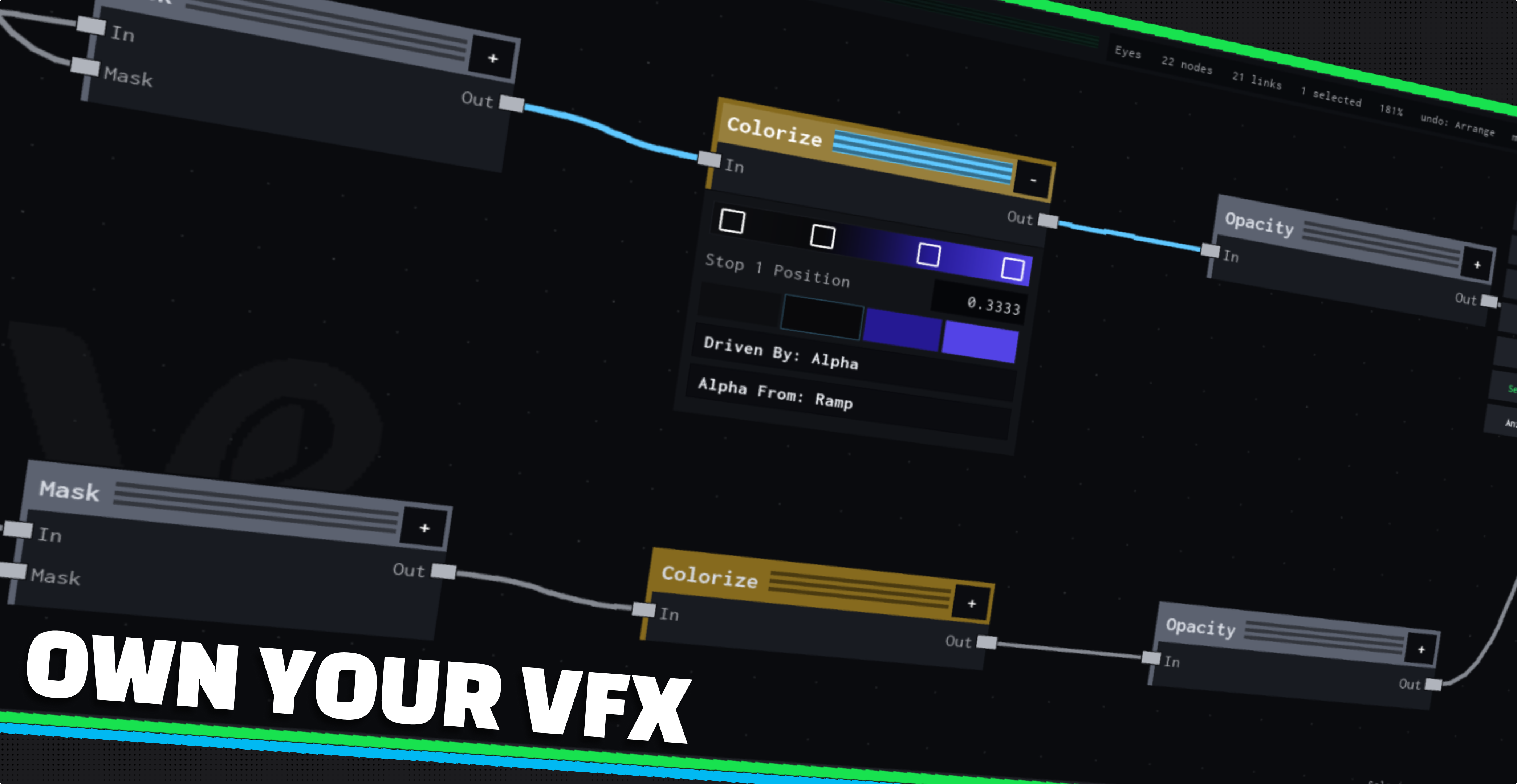
THE GRAPH BUILD
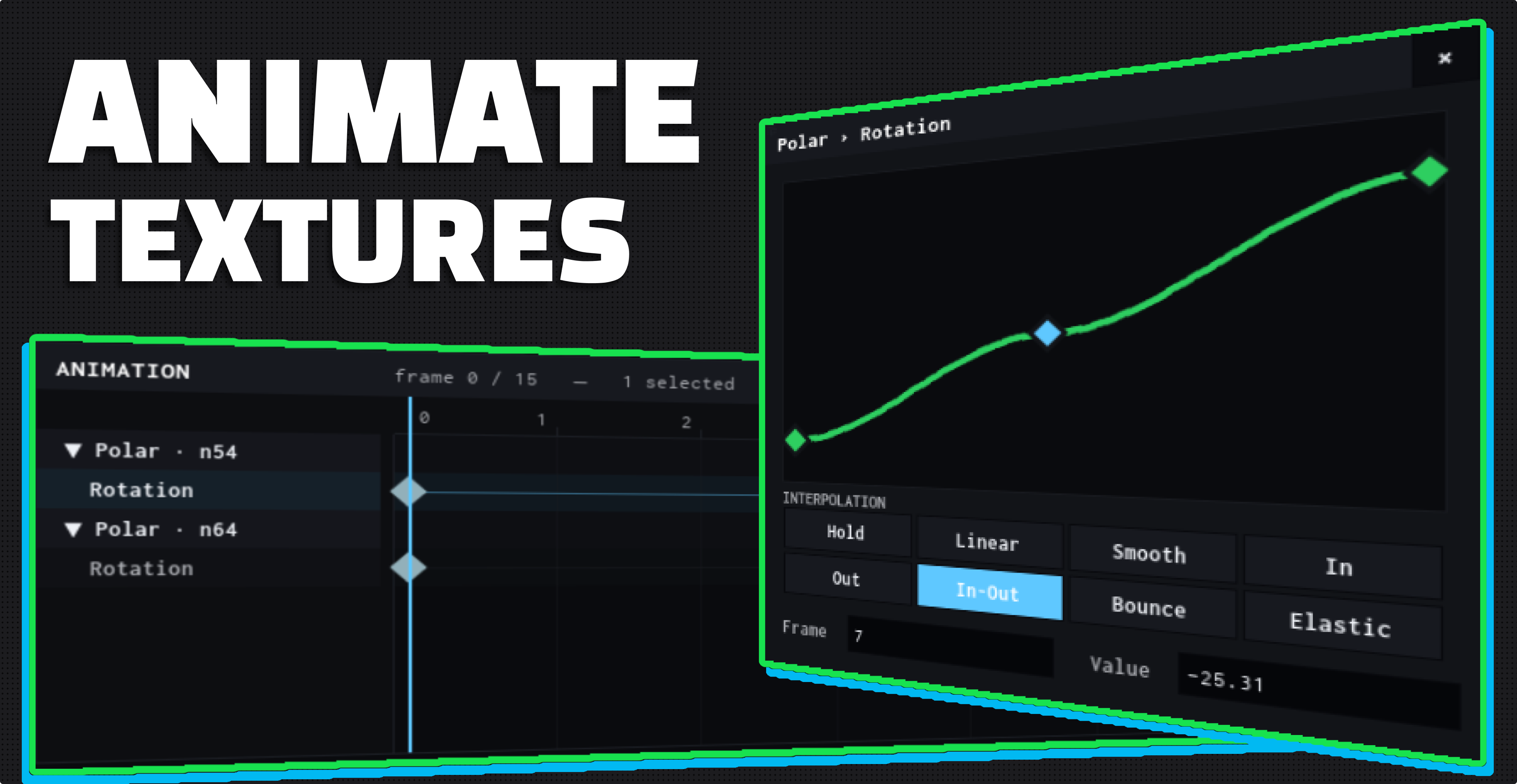
THE TIMELINE ANIMATE
The workflow
- 01 Build Graph Connect nodes into an effect.
- 02 Preview Watch it update as you edit.
- 03 Animate Key parameters across frames.
- 04 Export Drop it into your place.
VFX Loom 1.1.0 Available
Create procedural VFX directly in Roblox Studio.
$20 Lifetime License
Buy VFX Loom
Access is granted to the Roblox account verified during checkout.
Documentation & reference
Community
VFX Loom on Discord
Support, product updates and what other people are building.