
Documentation
Curve
VFX Loom 1.0 reference for the Curve node.
Animation
animation.curve 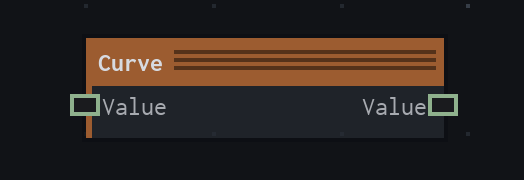
Overview
Remaps a scalar through an editable graph Curve value. It is distinct from the Animation Editor Curve Panel.
Evaluates the input against the graph Curve value. A disconnected input defaults to 0; values outside the curve's key range clamp. This graph node is distinct from the Animation Editor Curve Panel.
- Category
- Animation
- Internal ID
animation.curve- Version
- VFX Loom 1.0
Inputs
| Input | Type | Required | Default | Meaning |
|---|---|---|---|---|
| value | Scalar | Required | 0 | See the overview for the node's documented behavior. |
Properties
| Property | Type | Default | Animatable | Range / options | Effect |
|---|---|---|---|---|---|
| Curve | Curve | Curve.linear(0,1) | Not declared | — | Curve group |
Outputs
| Output | Type | Meaning |
|---|---|---|
| value | Scalar | The production node output described by the overview. |
Usage
In practice
- Use Curve when a scalar needs a reusable response shape such as easing, falloff, or a custom remap rather than a fixed arithmetic formula.
- Feed the input value into Curve and author the Curve value in the graph's curve control. Values outside the authored key range clamp.
- Use Time for a timeline phase and Curve for the response shape when the two concepts should remain separate.
Worked example: Time → Curve → Float Math
Turn a linear timeline phase into a shaped response before sending it to another parameter or calculation.
- Connect Time to Curve value and leave the default linear Curve while checking the range.
- Edit the graph Curve value to create the desired ease-in, ease-out, or custom response.
- Connect the Curve output to a scalar consumer. Use the Animation Editor only for keyframe authoring; it is not the Curve node.
Notes / limitations
- A disconnected input defaults to 0, and values outside the curve's key range clamp.
- The node registry does not expose control-point fields, extrapolation, or an animatable flag for the Curve value.
- See the Animation guide for the distinction between this graph node and the Animation Editor Curve Panel.