
Documentation
Pixelate
VFX Loom 1.0 reference for the Pixelate node.
Filters
processing.pixelate 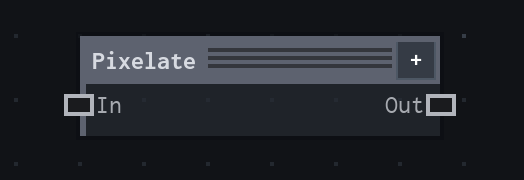
Overview
Reduces spatial detail without changing image dimensions.
Block-sampling processor that preserves output dimensions.
- Category
- Filters
- Internal ID
processing.pixelate- Version
- VFX Loom 1.0
Inputs
| Input | Type | Required | Default | Meaning |
|---|---|---|---|---|
| in | Image | Required | — | See the overview for the node's documented behavior. |
Properties
| Property | Type | Default | Animatable | Range / options | Effect |
|---|---|---|---|---|---|
| Pixel Size | Scalar | .05 | Yes | Hard .001..1 | Animatable control; changing it over time varies the node response. |
| Sampling | Enum | Nearest | Not declared | Nearest · Bilinear | Selects the sampling behavior; each option changes the operation described in the overview. |
Outputs
| Output | Type | Meaning |
|---|---|---|
| out | Image | The production node output described by the overview. |
Usage
In practice
- Use Pixelate when the graph needs Reduces spatial detail without changing image dimensions.
- Block-sampling processor that preserves output dimensions.
- Place it after the image or mask it should process, and check its alpha and edge behavior before using the result in a tiled graph.
Examples
These examples show Pixelate in supplied VFX Loom graph setups. Each graph link opens the corresponding node reference; the explanation below the media is specific to this node's role in that setup.
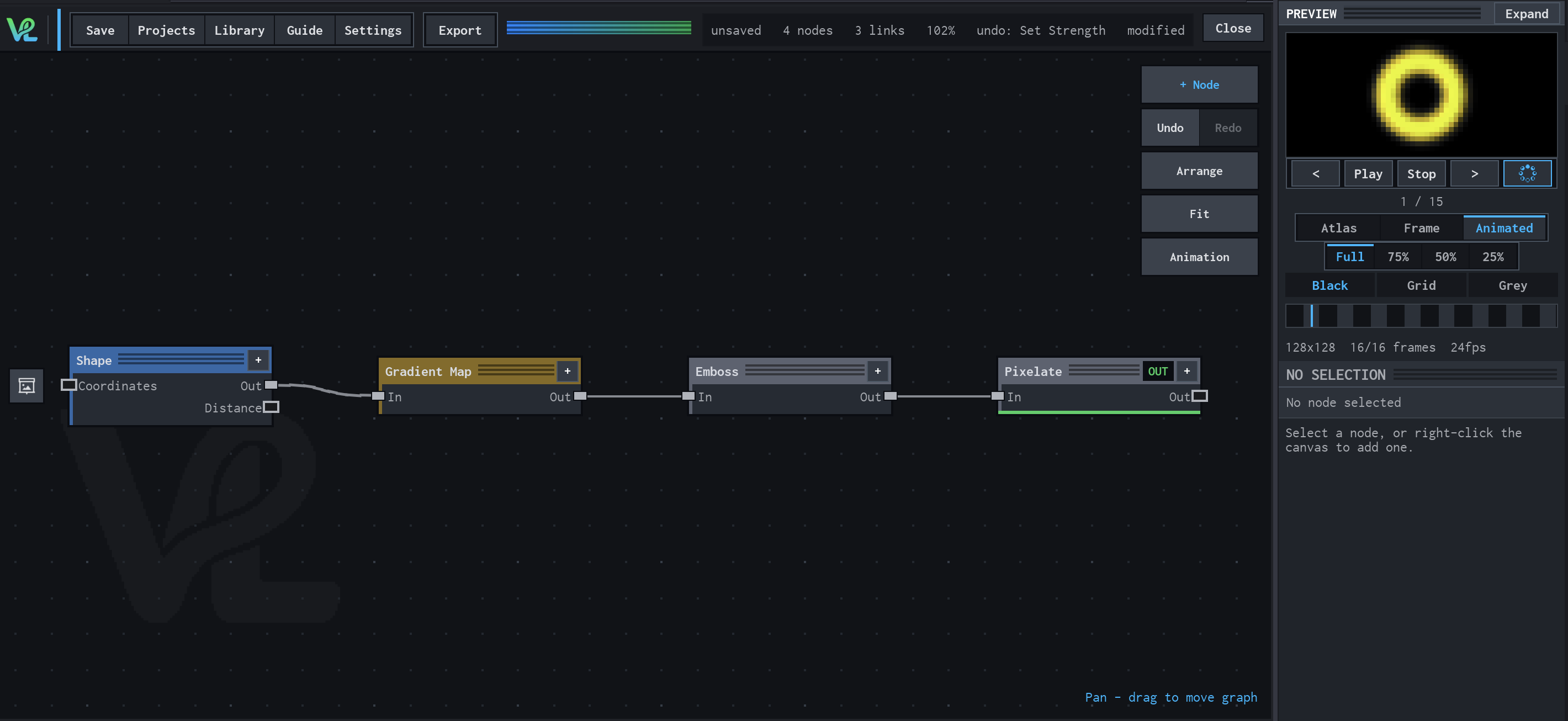
Shape → Gradient Map → Emboss → Pixelate
A stylized ring pipeline that turns Shape coverage into a mapped colour image, adds relief-like contrast, then deliberately reduces detail with Pixelate.
How Pixelate contributes
Pixelate is intentionally last, so the final stylization quantizes the already-coloured and embossed result instead of destroying the ring mask at the source.
Notes / limitations
- No step is declared for Pixel Size.