
Documentation
Capsule / Beam Shape
VFX Loom 1.0 reference for the Capsule / Beam Shape node.
Generators
generator.capsule 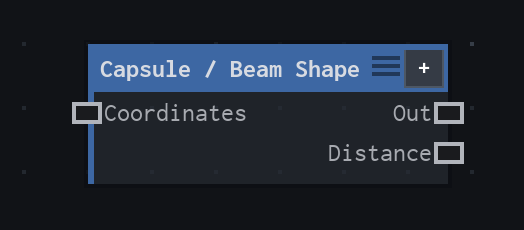
Overview
Rounded line or beam from one finite-segment SDF.
Finite-segment signed-distance primitive. Width is the full capsule diameter; Width ≤ 0 is transparent. Start equal to End becomes a circle.
- Category
- Generators
- Internal ID
generator.capsule- Version
- VFX Loom 1.0
Inputs
| Input | Type | Required | Default | Meaning |
|---|---|---|---|---|
| coordinates | Field | Optional | — | Coordinate stream to sample; defaults to UV |
Properties
| Property | Type | Default | Animatable | Range / options | Effect |
|---|---|---|---|---|---|
| Start | Vector2 | (.25,.5) | Yes | — | Animatable control; changing it over time varies the node response. |
| End | Vector2 | (.75,.5) | Yes | — | Animatable control; changing it over time varies the node response. |
| Width | Scalar | .12 | Yes | UI range: soft | Animatable control; changing it over time varies the node response. |
| Softness | Scalar | .25 | Yes | — | Animatable control; changing it over time varies the node response. |
Outputs
| Output | Type | Meaning |
|---|---|---|
| out | Image | The production node output described by the overview. |
| distance | Image | raw signed distance remapped to 0..1 like Shape |
Usage
In practice
- Use Capsule / Beam Shape when the graph needs Rounded line or beam from one finite-segment SDF.
- Finite-segment signed-distance primitive. Width is the full capsule diameter; Width ≤ 0 is transparent. Start equal to End becomes a circle.
- Use it as a source for a processing, colour, transform, or composite stage; leave optional coordinate inputs disconnected when the documented UV default is wanted.
Examples
These examples show Capsule / Beam Shape in supplied VFX Loom graph setups. Each graph link opens the corresponding node reference; the explanation below the media is specific to this node's role in that setup.
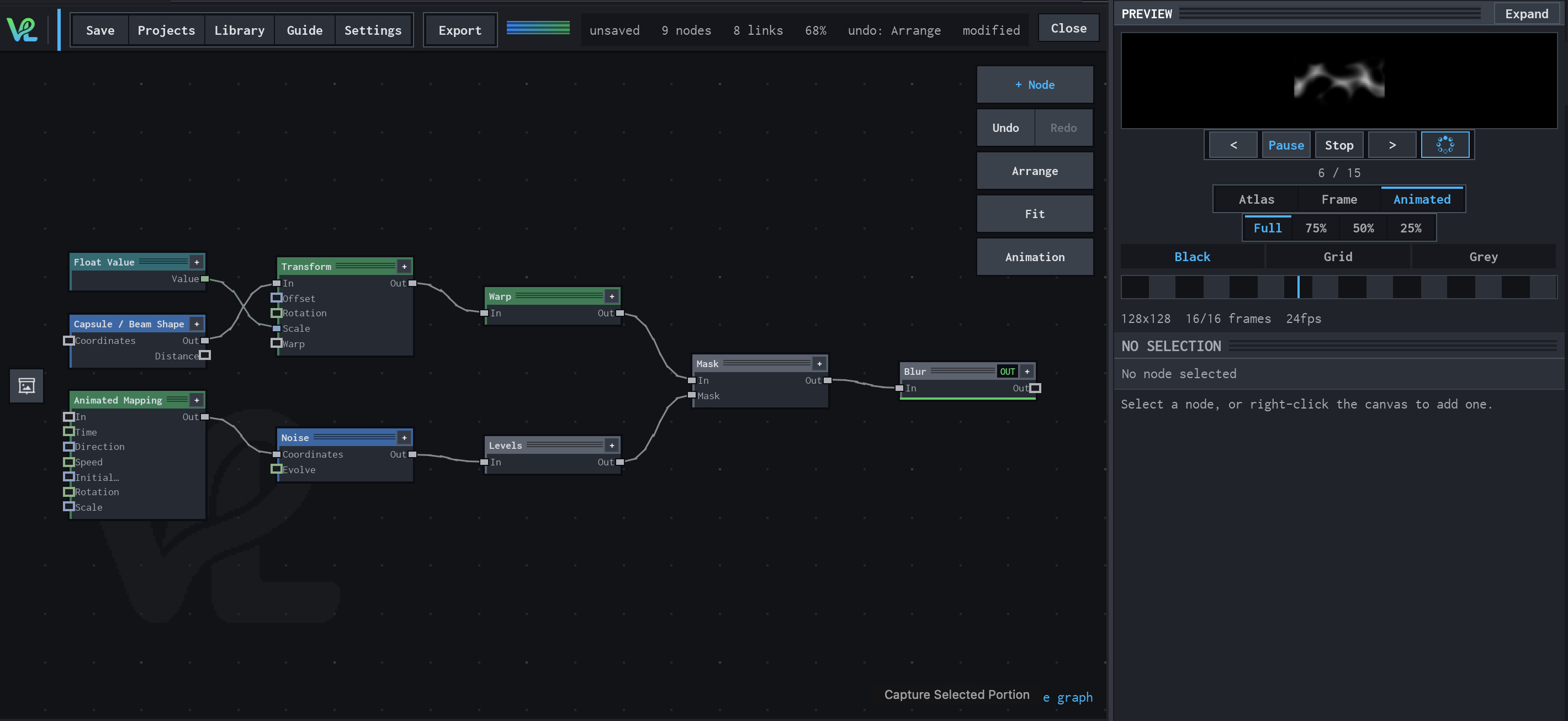
Animated Mapping → Noise → Levels → Mask → Blur
An animated procedural field meets a transformed capsule branch at Mask: Float Value controls Transform scale, while Animated Mapping drives Noise and Levels before the final Blur.
How Capsule / Beam Shape contributes
Capsule / Beam Shape supplies the rounded beam silhouette for the upper image branch.
Notes / limitations
- No component bounds or step are declared for Start or End.
- No step is declared for Width or Softness.