Documentation
Mesh Curvature
VFX Loom 1.1.0 reference for the Mesh Curvature node.
Material
generator.meshCurvature 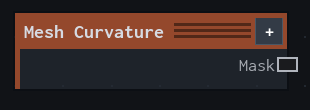
Overview
Bakes convex and concave edge information from a mesh into a UV-space mask.
Material source. Bakes the selected mesh's convex and concave edge response into its UV layout; it has no graph inputs.
- Category
- Material
- Internal ID
generator.meshCurvature- Version
- Current audited reference
Properties
| Property | Type | Default | Animatable | Range / options | Effect |
|---|---|---|---|---|---|
| Mesh | Asset | "" | Not declared | — | Local control documented by the production node behavior. |
| Mode | Enum | Both | Not declared | Both · Convex · Concave | Selects the mode behavior; each option changes the operation described in the overview. |
| Strength | Scalar | 1 | Not declared | Hard 0..8 · Step .05 | Local control documented by the production node behavior. |
Outputs
| Output | Type | Meaning |
|---|---|---|
| mask | Image | The production node output described by the overview. |
Usage
In practice
- Choose a target mesh, then use the baked mask to isolate convex or concave edges.
- Feed the mask into Colorize, Mask, or a Material Output channel as required.
Examples
These examples show Mesh Curvature in supplied VFX Loom graph setups. Each graph link opens the corresponding node reference; the explanation below the media is specific to this node's role in that setup.
Material maps and masked detail
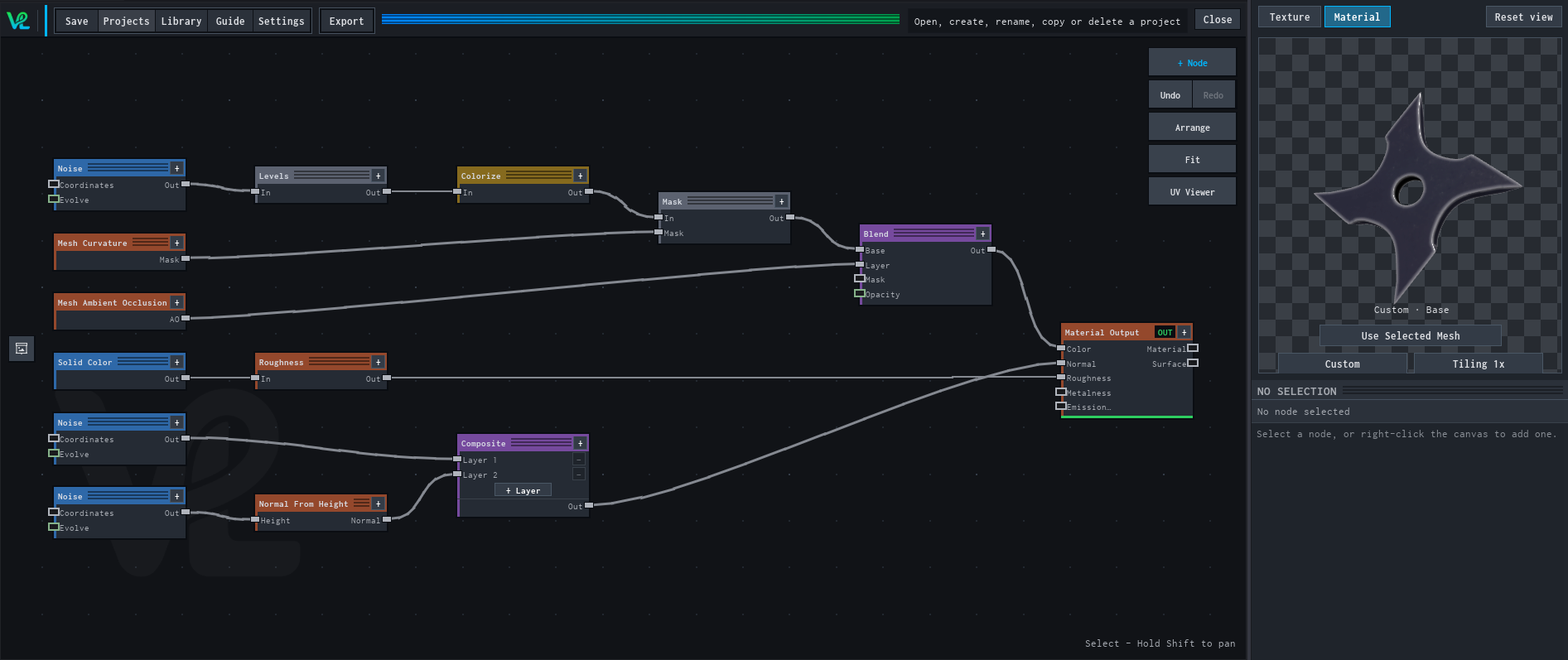
A Material graph combines procedural colour, mesh-derived curvature and occlusion, roughness, normal detail, and a layered composite.
How Mesh Curvature contributes
Mesh Curvature supplies an edge-oriented mask from the preview mesh.
Notes / limitations
- The map is baked into the mesh UV layout and has no graph inputs.