
VFX Loom 1.1
Create VFX directly inside Roblox Studio.
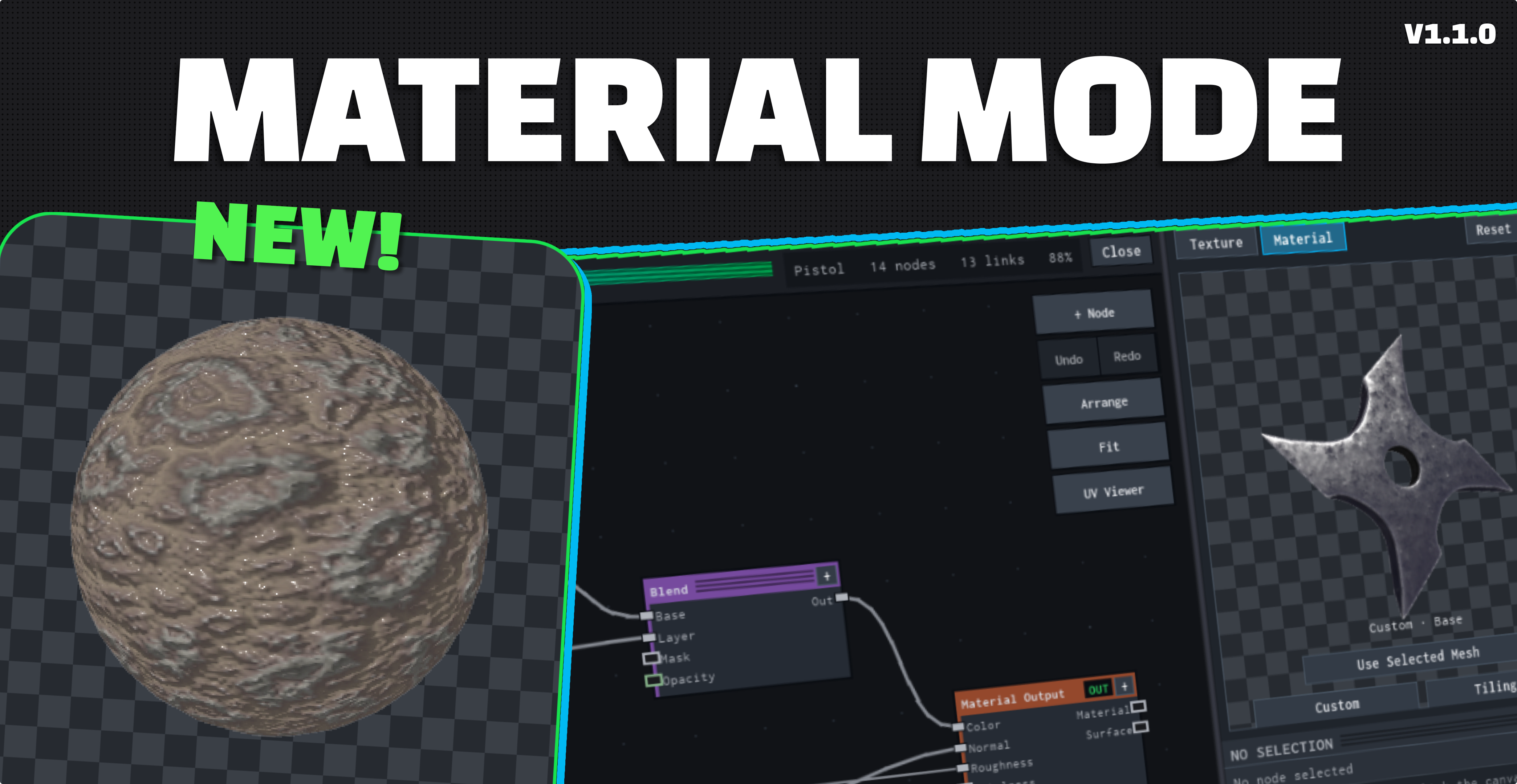
Build procedural textures, materials and VFX without leaving Studio.
$20 One-time purchase
One-time purchase · Lifetime access · Roblox Studio plugin
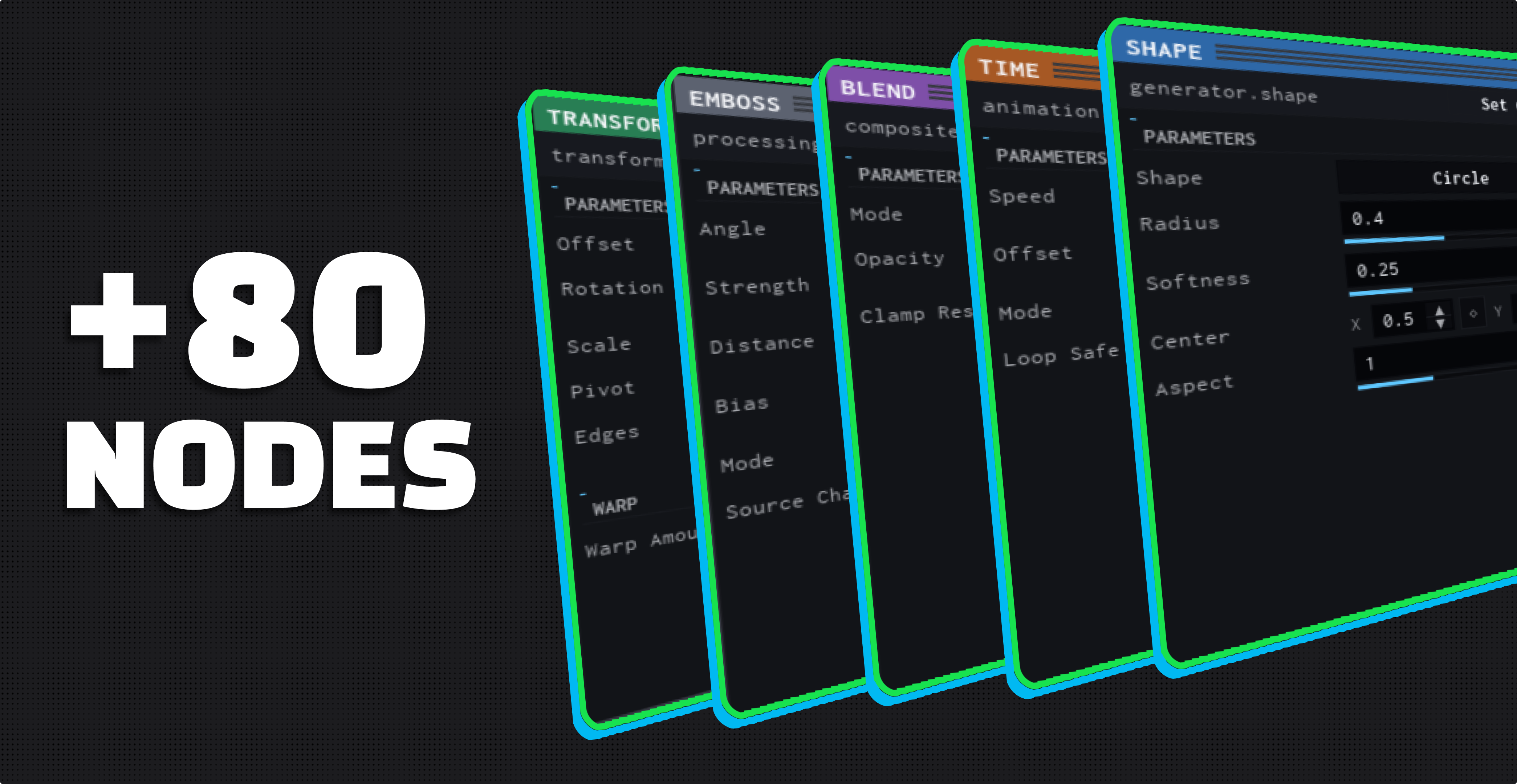
01 / 06 Generators, filters, colour, composite and animation nodes.
-
+80 Nodes
Generators, filters, colour, composite, animation.
-
VFX + Materials
Flipbook VFX projects and procedural surface maps.
-
Geometry Beta
Procedural mesh deformation inside Material projects.
-
Inside Roblox Studio
No external VFX pipeline required.
Why people buy it
-
Build your own textures
Author your own procedural textures and materials, not a bought pack.
-
Design procedurally
Wire a graph, tune it, and watch the preview follow.
-
Animate and export
Key parameters across frames, then export into your place.
One purchase. The whole editor.
$20 USD One-time purchase Lifetime License
INCLUDED
- The full node-based VFX editor
- Material Mode: procedural surface maps
- Geometry Beta inside Material projects
- +80 authorable nodes
- Animation timeline and Roblox export
- Lifetime access on one verified Roblox account
BEFORE CHECKOUT
Review the Terms of Service, Privacy Policy and Refund Policy before continuing.
A gift is a link you send on. No Roblox account is needed to buy one.
Access follows confirmed payment and licensing, and is granted to the Roblox account verified during checkout. Roblox verification alone does not unlock the file.
Already own VFX Loom?
After you buy
- Open your account. Download the current VFX Loom package from your account page.
- Import the package. Drag the downloaded
.rbxmxfile into a place in Roblox Studio. - Save as Local Plugin. Select the VFX Loom root, choose Plugins → Save as Local Plugin, then restart Studio.
- Set up access. On first launch choose Set Up Access, approve it at vfxloom.com/access, then click Check Again in Studio.
- What do I need?
- Roblox Studio, and a Roblox account to verify during checkout. Access is granted to that account.
- Is this a subscription?
- No. One payment, and a lifetime license.
- Can I buy it for someone else?
- Yes. Buy as a gift, and you get a Gift Link to send on. The person you send it to verifies their own Roblox account when they redeem it.
- Before you pay
- Read the Terms, Privacy Policy and Refund Policy, all three linked in the purchase card.